
What Is Digiscoping? And How To Choose the Right Setup
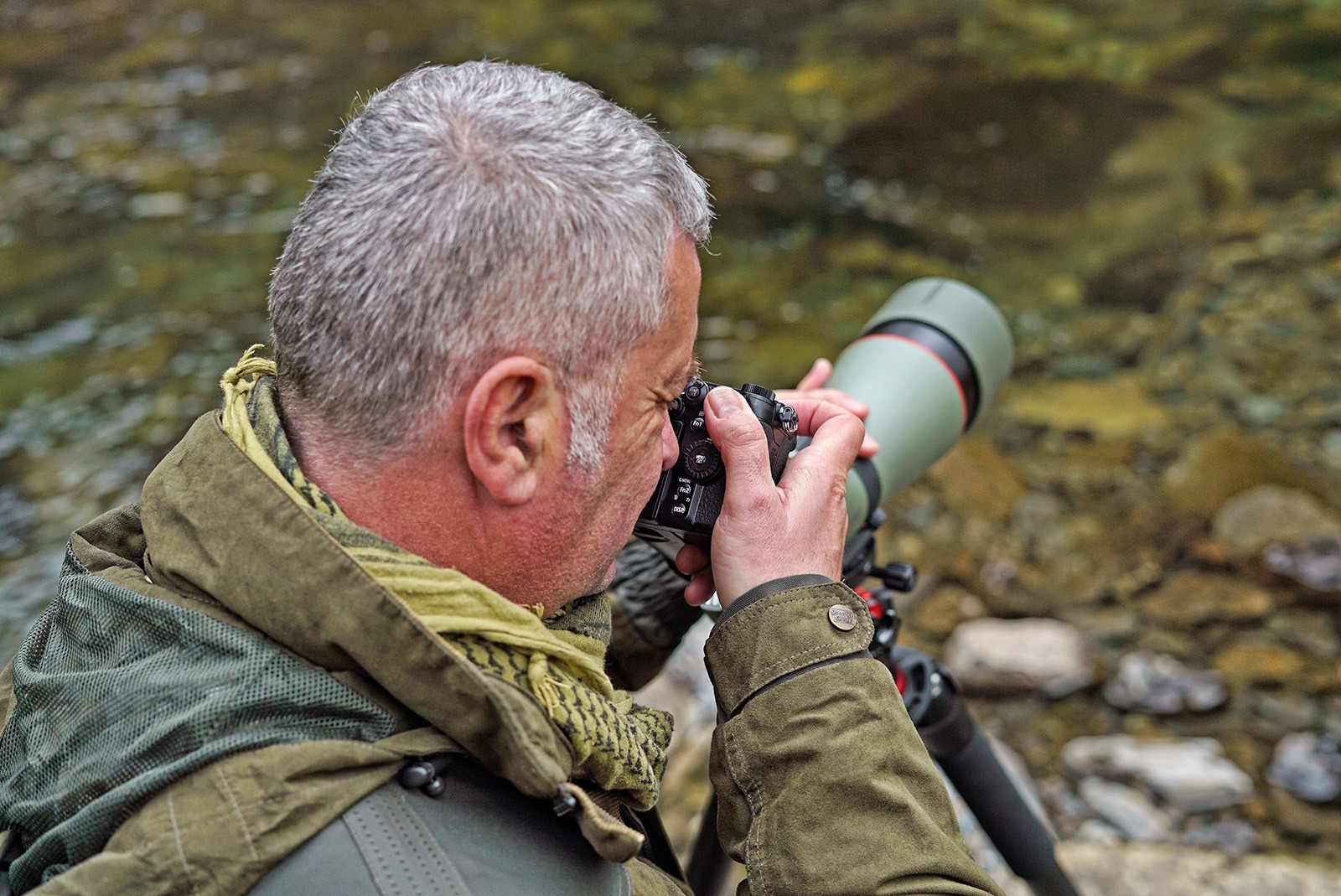
Digiscoping is the practice of using a digital camera or smartphone with a spotting scope—or binoculars—to take photo's or videos, achieving far greater magnifications than traditional camera setups. It started with a simple idea: “What if I hold my camera lens up to the scope’s eyepiece?” That can work—but it’s hit or miss. Alignment and distance are critical, and without proper setup, results are inconsistent. This article covers the basics of digiscoping, your gear options, and how to choose the right setup for your needs.
Can I Use Any Spotting Scope?
Most scopes can be adapted for digiscoping, but not all work well with interchangeable lens cameras. Key factors include the eyepiece design and whether it’s removable—this affects adapter compatibility. In general, scopes with larger objective lenses perform better. They gather more light, which allows faster shutter speeds and reduces camera shake. That being said the quality of today's high end compact scopes means even smaller units can produce stunning results. Modern cameras help too: high ISO performance means you can shoot in low light without sacrificing image quality.
Spotting Scope or Binoculars?
While binoculars can work with smartphones, they’re not ideal for compact or interchangeable lens cameras due to eyepiece incompatibility. Stability is another concern. Scopes are designed for tripod use; binoculars are handheld, which makes things trickier. Some binoculars can be mounted on tripods, so consider this if you want to go this route. Binoculars usually offer 8x–10x magnification. Spotting scopes often exceed 50x, letting you get much closer to your subject.
Which Camera Is Best: Interchangeable Lens, Compact, or Smartphone?
There’s no clear winner—each option has pros and cons.
Interchangeable lens cameras have large sensors and deliver higher image quality. But when paired with a scope, you’ll need to focus manually, which takes practice.
Compact cameras are less common now, and fewer adapter options exist. Models with moderate zooms work better than ‘superzooms’, which often suffer from vignetting (dark edges or circular images). Bridge cameras generally aren’t suitable for digiscoping.
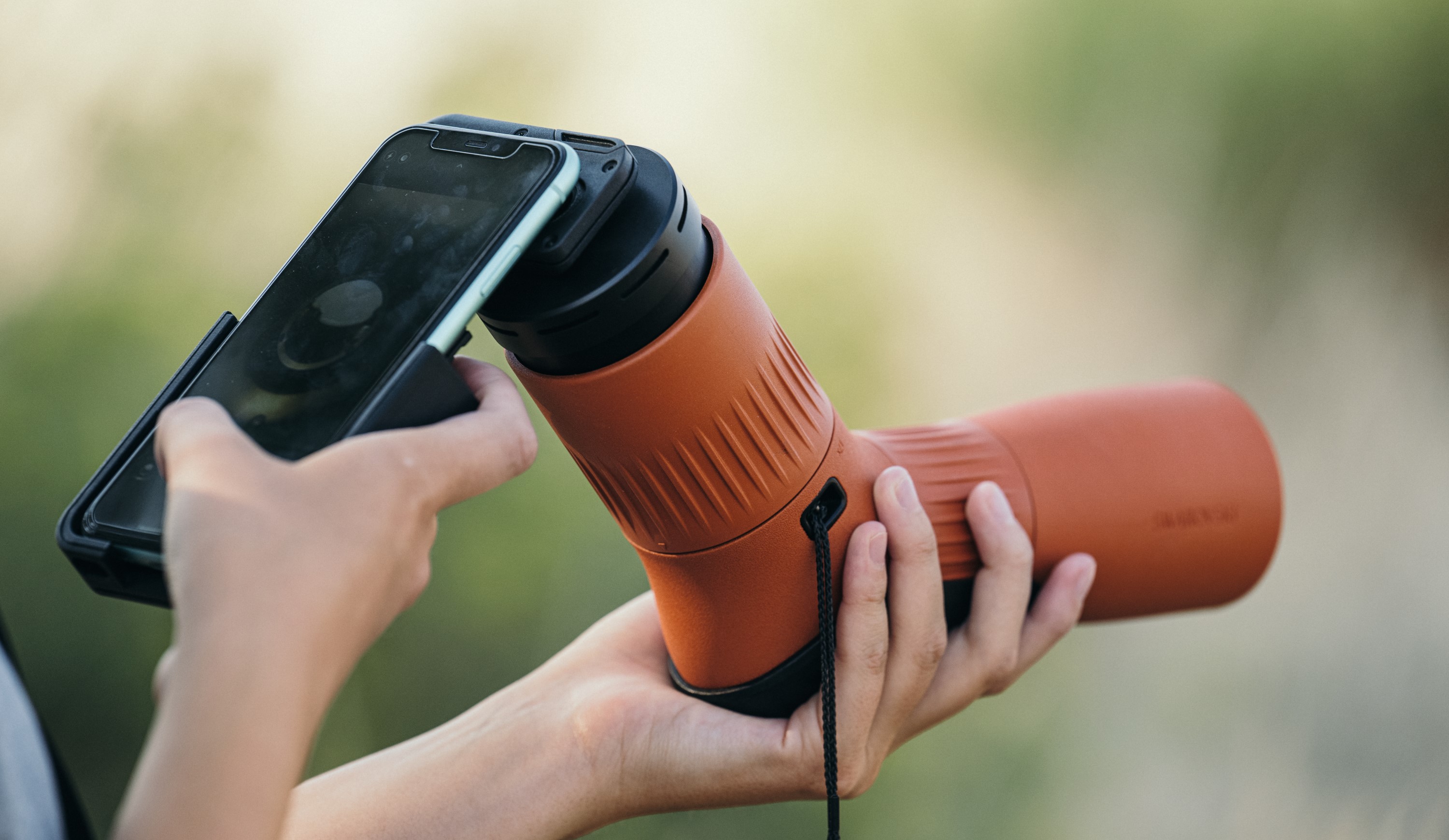
Smartphones are increasingly popular. One big advantage is that you don’t need to be 100% accurate when focussing the scope, as long as you get it close enough the autofocus system in the phone does the rest.
You have the option of going for a dedicated case or holder for the phone, this speeds up the setup as the phone just clips in & positioning for the lens is pre-set. A factor to consider is that a lot of people will change their phone every 2-3 years, this would involve buying another phone case.
Universal phone cases will initially take a little more setting up in terms of phone size & lens positioning but allow for the phone to be changed.
Many current smartphones have multiple lenses so on the initial setup you need to see which lens works best. Some smartphones will automatically switch between lenses to one they think is best to use, this isn’t helpful when you’re trying to Digiscope but there should be an option in the menu to set one lens as the primary
Tips for Better Shots
As we all know wildlife rarely sits still. Capturing a photo of a bird in flight is tricky, even for the experienced photographer. If you’re just starting out try a simpler subject such as a bird feeder. Don’t expect to get the perfect shot every time—practice make perfect.
Because of the huge magnifications that are involved even pushing the camera release button or tapping the phone screen can introduce unwanted shake. Most cameras & phones will have a self-timer, this can eliminate the shake but obviously introduces a delay which is not ideal for wildlife photography. A default self-timer generally has a 10-12 second delay, some cameras will let you select 2 seconds will helps massively. Ideally use a remote release- the majority of interchangeable lens cameras will accept these & Bluetooth shutter releases are available for many smartphones.
We hope this guide helps you get started with digiscoping. If you have specific questions, don’t hesitate to reach out.